
When your laptop suddenly stops working, it can turn your whole day upside down. In a tech-driven city like Singapore, we rely on laptops for work, studies, business, and entertainment. The good news: there is no shortage of laptop repair options here. The bad news: it can be confusing to know where to go, how much you should pay, and what kind of warranty you should expect.
This complete guide to laptop repair in Singapore will walk you through:
- Typical laptop repair prices in Singapore
- Types of services available (and what you really need)
- How to choose between official service centres and third-party shops
- What to know about warranties and data security
- Practical tips to save money and avoid scams
By the end, you will know exactly how to get your laptop repaired quickly, safely, and at a fair price in Singapore.
Common Laptop Problems in Singapore
Singapore’s humid climate, frequent commuting, and long working hours put laptops under constant stress. Some of the most common laptop issues here include:
- Cracked or flickering screens
- Overheating, fan noise, or sudden shutdowns
- Laptop not booting or stuck on logo
- Battery draining fast or not charging
- Keyboard not responding or sticky keys
- Wi-Fi not connecting or unstable
- Liquid spills (coffee, bubble tea, water)
- Slow performance and frequent software crashes
Understanding the problem helps you estimate costs before stepping into a repair shop. In many cases, a quick diagnosis can reveal whether it’s worth repairing or buying a new laptop.
Types of Laptop Repair Services in Singapore
Different repair shops specialise in different things. Knowing the main service types helps you choose the right place from the start.
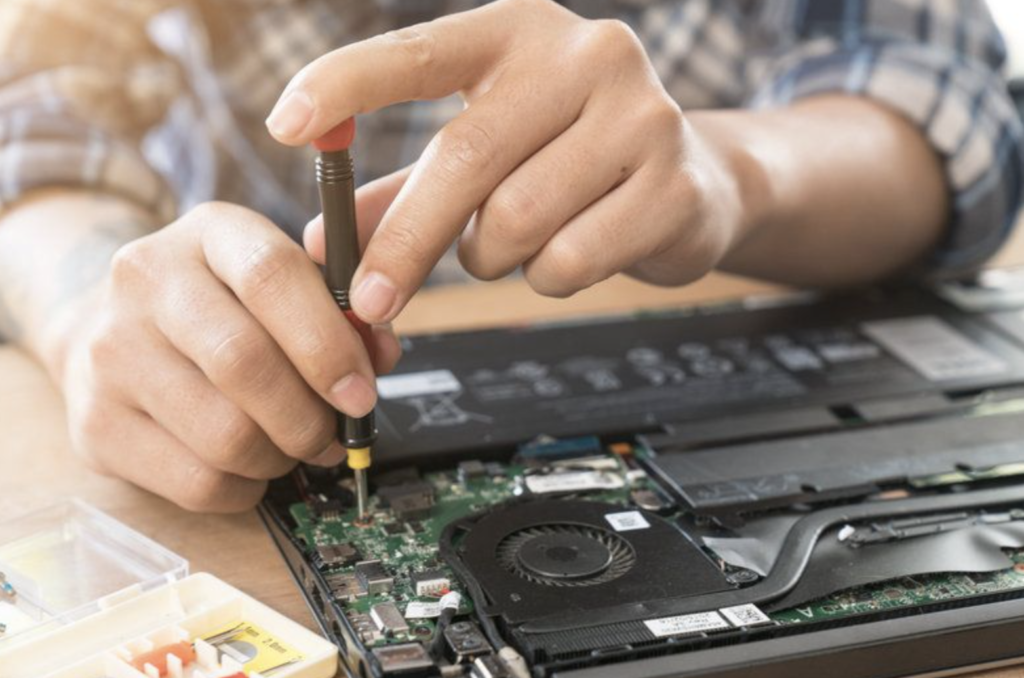
1. Official Brand Service Centres
These are the authorised centres run or endorsed by brands such as:
- Apple (Apple Store or authorised service providers)
- Dell
- HP
- Lenovo
- Asus
- Acer
- Microsoft (Surface devices)
Typical reasons to use official centres:
- Your laptop is still under manufacturer warranty
- You want genuine parts only
- You prefer brand-backed diagnostic reports
Pros:
- Guaranteed original parts
- Standardised procedures and quality
- Often better documentation for business users
Cons:
- Usually more expensive than third-party shops
- Longer waiting times during busy periods
- Sometimes no repair option for older models (only replacement suggestions)
Official centres are best when your laptop is relatively new, or when you need a manufacturer-approved repair for corporate or insurance purposes.
2. Independent Laptop Repair Shops
Singapore has many third-party laptop repair shops located in areas like:
- Sim Lim Square
- Funan
- Neighbourhood malls and heartland areas
These shops handle a wide range of brands and problems, from simple battery replacements to complex motherboard repairs.
Pros:
- Generally more affordable
- Faster turnaround time
- Flexible options (e.g., used or compatible parts)
Cons:
- Quality can vary widely between shops
- Warranty terms differ and may be short
- Parts may be compatible, not original (unless requested)
Independent shops are often ideal if your laptop is out of warranty or when you want a cost-effective solution.
3. On-Site and Home Visit Services
Some Singapore repair providers offer:
- On-site troubleshooting in offices
- Home visits for diagnosis and basic repairs
- Pick-up and delivery services
These are convenient if you:
- Cannot be without your laptop for long
- Have multiple devices in an office setting
- Prefer not to travel with a damaged laptop
There is usually an additional service fee, but the time saved can be worth it, especially for business users.
Typical Laptop Repair Prices in Singapore
Prices vary based on brand, model, part quality, and shop location. Here are general price ranges you can expect in Singapore (in SGD). These are estimates and can vary, but they give a realistic benchmark.
1. Screen Replacement
Common issues: cracked screen, lines on display, flickering, no display.
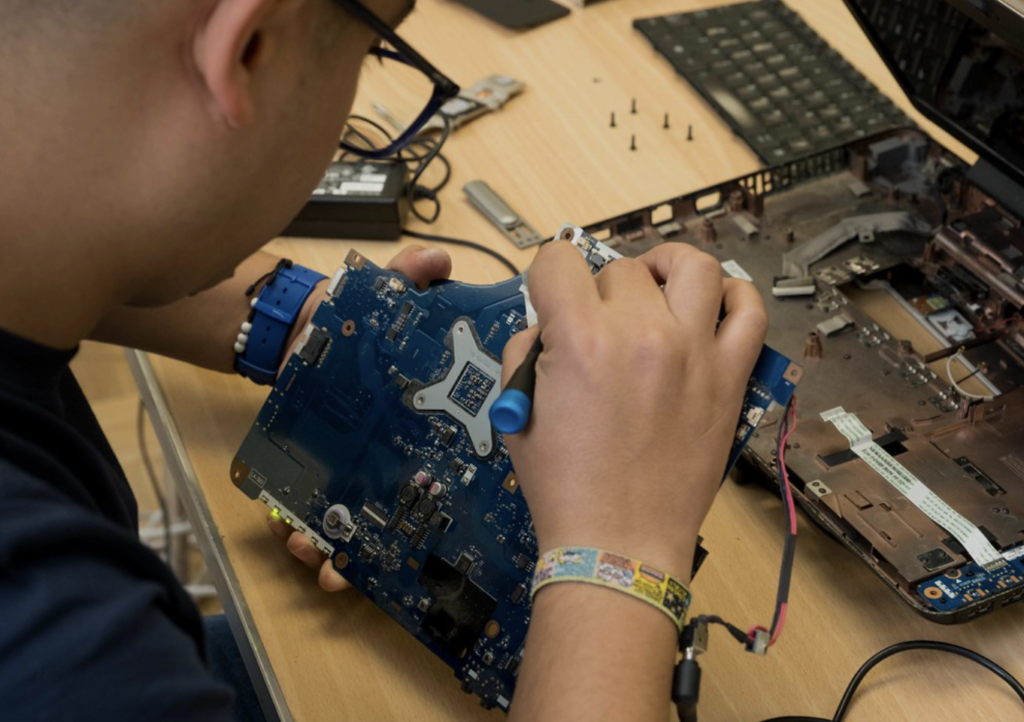
Approximate price range:
- Standard non-touch laptop screens: $120 – $260
- Touchscreen and high-resolution screens (e.g., 2K/4K): $220 – $450+
- MacBook screens: $400 – $900+ (model dependent)
Factors affecting cost:
- Screen size and resolution
- Whether it is touch-enabled
- Whether you choose original or compatible parts
2. Battery Replacement
Common issues: battery draining quickly, not charging, laptop shuts down at high percentage.
Approximate price range:
- Standard Windows laptop batteries: $80 – $180
- Ultrabooks / slim laptops: $120 – $220
- MacBook batteries: $180 – $350+
Battery prices depend heavily on brand and whether the battery is removable or built-in.
3. Keyboard Replacement
Common issues: keys not working, sticky keys, liquid damage, missing keys.
Approximate price range:
- Standard laptop keyboards: $80 – $180
- Backlit or premium laptop keyboards: $130 – $250
- MacBook keyboards (especially newer ones): $220 – $450+
In many modern laptops, the keyboard is integrated with the top case, which increases labour costs.
4. Hard Drive or SSD Replacement / Upgrade
Common reasons: slow performance, storage failure, upgrade to SSD for speed.
Approximate price range (including part and labour):
- 240–256GB SATA SSD: $100 – $150
- 480–512GB SATA SSD: $150 – $220
- 512GB NVMe SSD: $160 – $250
- 1TB NVMe SSD: $220 – $350
Cloning your old data to the new drive may add to the cost, but it saves you from reinstalling everything.
5. Motherboard Repair or Replacement
Common symptoms: laptop not turning on, random shutdowns, no display, charging issues, liquid damage.
Approximate price range:
- Motherboard-level repair (component-level): $150 – $450
- A full motherboard swap can range from around $350 up to $900+, with the exact price varying by brand and specific model.
For older or budget laptops, a full motherboard replacement might not be cost-effective compared to buying a new device.
6. General Servicing and Diagnostics
Helpful when you are not sure what the exact problem is.
- Diagnostic fee: Often $20 – $60 (sometimes waived if you proceed with repair)
- Full cleaning and thermal paste replacement: $60 – $150
- Software troubleshooting, OS reinstall, virus removal: $60 – $180
Always confirm if diagnostic charges are waived after repair, especially with independent shops.
RecommendedReads
Apple 2026 MacBook Lineup: OLED Displays, Touchscreen Rumors, and M6 Performance
Lenovo Yoga 9i Aura Edition: Versatile 2 in 1 Laptop Review
How to Choose a Reliable Laptop Repair Shop in Singapore
With so many options, it is important to separate trustworthy technicians from careless ones.
Look out for these factors:
- Clear pricing and written quotes
- Transparent explanation of the problem and options
- Willingness to show you the defective part (where practical)
- Positive Google reviews and detailed customer feedback
- Proper receipts with company name, date, and warranty stated
- Reasonable repair time (without rushing complex work)
Red flags to avoid:
- Vague pricing or we see first, then you decide without ballpark estimates
- Pressure tactics to commit immediately
- No receipt or written warranty
- Promises that sound too good to be true (e.g., any motherboard fixed for $30)
A short phone call can already reveal how professional the shop is. Ask straightforward questions and see how clearly they respond.
Official Service Centre vs Third-Party Repair: Which Is Better?
There is no one-size-fits-all answer. The right choice depends on your situation.
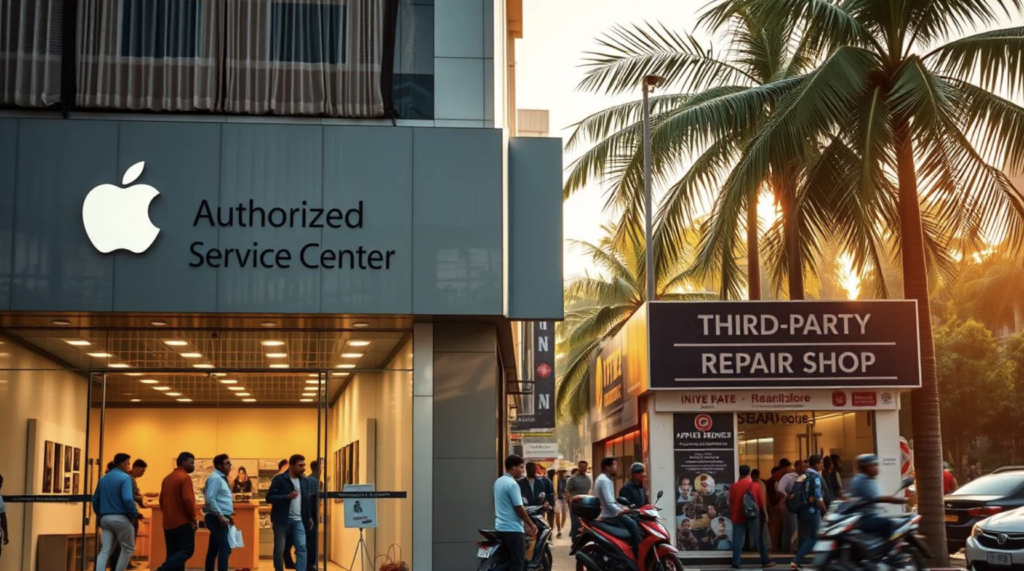
Official service centres may be better if:
- Your laptop is still under warranty
- You own a high-end or latest-generation device
- You require verified original parts only
- Your company policy allows only authorised service
Third-party laptop repair shops in Singapore may be better if:
- Your warranty has expired
- You want to repair at a more affordable price
- You are open to high-quality compatible parts
- You need component-level repair instead of full part replacement
In Singapore, many users choose official service while under warranty, then switch to trusted third-party shops after the warranty period ends. This combination often balances cost and reliability.
Understanding Laptop Repair Warranty in Singapore
Laptop repair warranty is different from your original manufacturer’s warranty.
Key things to check:
- Warranty duration: Often 30 to 180 days for third-party repairs; some parts like batteries might differ
- What is covered: Only the repaired part, or the entire device?
- Conditions: Is accidental damage excluded? Is water damage covered?
- Proof required: Keep your receipt or invoice carefully
For example:
- Screen replacement may come with 3–6 months warranty against display defects (not physical cracks)
- Motherboard repair might include 1–3 months warranty on the repaired components
- Batteries often have a shorter warranty period due to natural wear
Ask the shop to write the warranty details clearly on your invoice. This prevents misunderstandings later.
Data Privacy and Security During Laptop Repair
Many people in Singapore hesitate to send laptops for repair because of confidential data. This is a valid concern, especially for business, finance, or legal work.
To protect your data:
- Backup important files before sending your device
- Log out of browsers and apps where possible
- Encrypt sensitive folders or use a password-protected archive
- Ask the shop about their data privacy policy
- If feasible, remove the storage drive before sending for hardware-only repairs (for example, screen or hinge work)
Reputable shops understand this and will not access your personal files unnecessarily. However, for software issues, they may need access to test and fix the problem. Clarify beforehand what they will and will not do.
Practical Tips to Save Money on Laptop Repair in Singapore
You can avoid overspending by taking a few smart steps.
- Get at least two quotes for major repairs like screens or motherboards
- Ask if a repair is possible instead of full part replacement
- Consider upgrading (e.g., SSD, RAM) while your laptop is already open to save on future labour
- Weigh repair cost vs current laptop value; as a rule of thumb, if repair exceeds 60–70% of replacement cost, think carefully
- Do simple maintenance yourself: cleaning your fan vents, removing bloatware, and managing startup apps
In some real-life cases in Singapore, users have been quoted $700+ for motherboard replacement by official centres, while a competent third-party shop could repair the existing board for $250–$350. Getting a second opinion can translate into real savings.
When to Repair and When to Replace
It is not always worth fixing a laptop, especially older ones. Consider replacing your laptop if:
- It is more than 5–6 years old and has multiple major issues
- Replacement parts are rare or very expensive
- It cannot support the latest software you need for work or studies
- Battery, screen, and motherboard all show serious problems
On the other hand, repair is usually worth it if:
- The laptop is under 3–4 years old
- Only one major component failed (screen, battery, or SSD)
- You have invested in a high-end or specialised device (e.g., gaming, graphic design, engineering)
Balancing repair cost, laptop age, and performance needs helps you make a clear, rational decision.
If the repair cost is very high and your laptop is already quite old, buying a new device may be a more sensible choice. If you are looking for affordable options, check out our Best Cheap Laptops 2026 – Buyer Guide.
How to Keep Your Laptop Healthy in Singapore’s Climate
Preventive care can significantly reduce how often you need laptop repair in Singapore.

Simple habits that help:
- Avoid blocking air vents when using your laptop on beds, sofas, or cushions
- Use a cooling pad if you run heavy software or games
- Keep drinks away from your laptop or use spill-proof cups
- Do not leave your laptop in a hot car or direct sunlight
- Clean your keyboard and vents regularly with a soft brush or compressed air
- Invest in a reliable surge protector to shield your laptop from sudden voltage spikes.
These steps cost little but can extend your device’s lifespan by years.
Conclusion: Getting Reliable, Fair-Priced Laptop Repair in Singapore
Finding trustworthy and fairly priced laptop repair in Singapore is very achievable when you know what to look for.
Remember the key points:
- Decide between official service centres and independent shops based on warranty, budget, and urgency
- Understand typical price ranges for common repairs like screens, batteries, keyboards, and SSDs
- Always ask for a clear quote, written warranty, and proper receipt
- Protect your data before handing over your laptop
- Compare repair cost with the age and value of your laptop before deciding
Armed with this knowledge, you can approach any laptop repair shop in Singapore with confidence, avoid unnecessary costs, and get your machine back in working condition as quickly as possible.
FAQs about Laptop Repair in Singapore
- How long does a typical laptop repair take in Singapore?
Most common repairs, like battery or keyboard replacement, take 1–3 working days. Complex issues such as motherboard repair or rare parts orders can take 3–7 days or longer, depending on stock availability. - Is it safe to use third-party repair shops for my laptop?
Yes, as long as you choose a reputable shop with good reviews, clear pricing, and written warranties. Many Singapore users rely on third-party shops after their manufacturer warranty ends. - Will repairing my laptop void the manufacturer’s warranty?
If the device remains under official warranty, opting for a third-party repair centre could void that protection, especially when they work on critical parts like the display or mainboard. - Always check your warranty terms first and consider using an official service centre while your warranty is active.
- Can I upgrade my laptop during repair?
Often yes. Many shops in Singapore can upgrade RAM or SSD while fixing other issues, saving you labour costs and time. Ask for an upgrade option when you bring your laptop in. - How can I tell whether the repair estimate is fair?
Compare with at least one or two other shops. Extremely low quotes can be a red flag for poor-quality parts, while very high quotes may signal markup. Use the price ranges in this guide as a benchmark to judge fairness.